

Why WebPedia Is the Right Choice
Performance & Optimization
Our apps are built from scratch for speed. We optimize the code so your business processes run smoothly — without delays.
Tailor‑Made Logic
We don't force you to fit the system. We build a system that mirrors and streamlines your unique workflows.
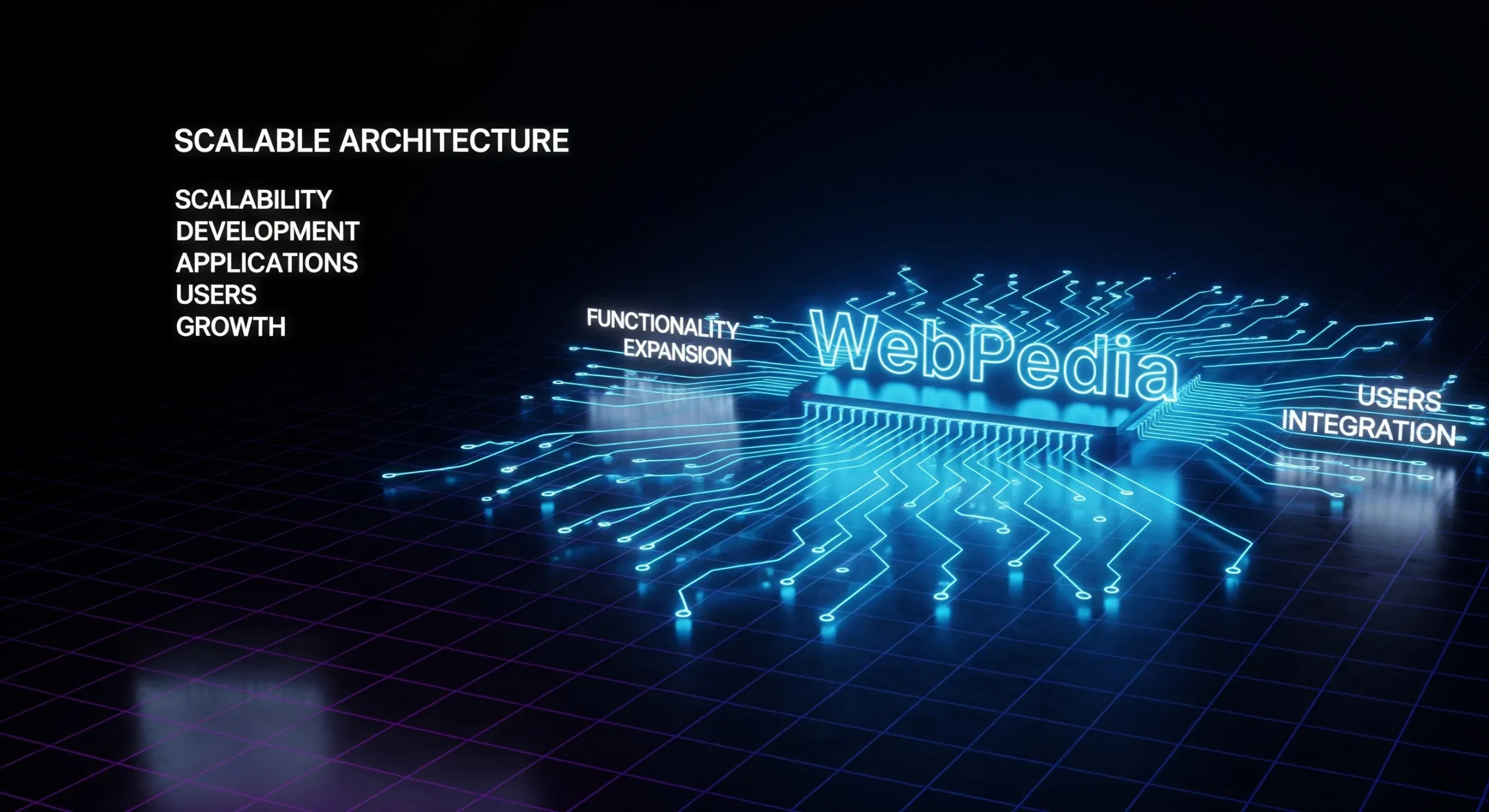
Scalable Architecture
We plan for growth. Your app is ready for new features and a growing number of users as your company scales.
Security & Reliability
We follow best‑in‑class security practices to keep your company data protected, stable and always available.
Partner Support
We're your long‑term tech partner. You get warranty, ongoing support and guidance at every stage of the product's growth.
How the App Development Process Works
Requirements Analysis
We discuss your workflows, challenges and goals.
Wireframes & Prototype
We design the app views and how the experience should work.
Development
We build the app code tailored to your business.
Testing & Refinement
We test everything and iterate until it's right.
Launch
We deploy to your server or publish on Google Play.
Training & Warranty
We onboard your team and provide technical support.
Our Options: Web, Mobile & Hybrid Applications
Web Apps & PWA
Web applications run in the browser and are available on any device without installation. It's the fastest route to launch: one codebase, shorter delivery time and no app-store publishing process. PWA (Progressive Web App) can add home‑screen install, offline cache and push notifications (platform‑dependent), so it feels closer to a native app.
Web/PWA is perfect for client portals, CRM, internal processes, configurators, reporting and B2B apps. Updates are instant (server-side), so users always get the latest version — no store review delays. Maintenance costs are predictable because you're not paying for plugin licenses or forced platform upgrades.
- Choose web/PWA if: you want one product for desktop and mobile, expect frequent changes and care about time and budget.
- Consider native mobile if: you need heavy background work, deep hardware access, advanced offline or top‑tier graphics performance.
Accessible on any device
Works on desktop, tablet and smartphone — without OS limitations.
No installation needed
Open it like a website — no store and no forced updates.
Lower cost, faster launch
A PWA is typically faster and cheaper to deliver than a native mobile app.
Native Mobile Apps (Android)
Native apps are built specifically for Android and distributed via Google Play. They deliver the highest performance, full access to phone features (camera, GPS, sensors, Bluetooth), reliable background operation and push notifications.
This is the right choice for field, logistics and production apps, with intensive geolocation, scanning or an offline‑first approach. It also comes with store review time and a higher cost than web/PWA — in return you get maximum device capabilities and store visibility (ASO).
- Choose native Android: when sensors, background tasks, NFC/BLE or demanding graphics are critical.
- Consider web/PWA: when speed-to-market, broad availability and simpler business flows matter more.
Maximum speed & performance
Native Android — full device power.
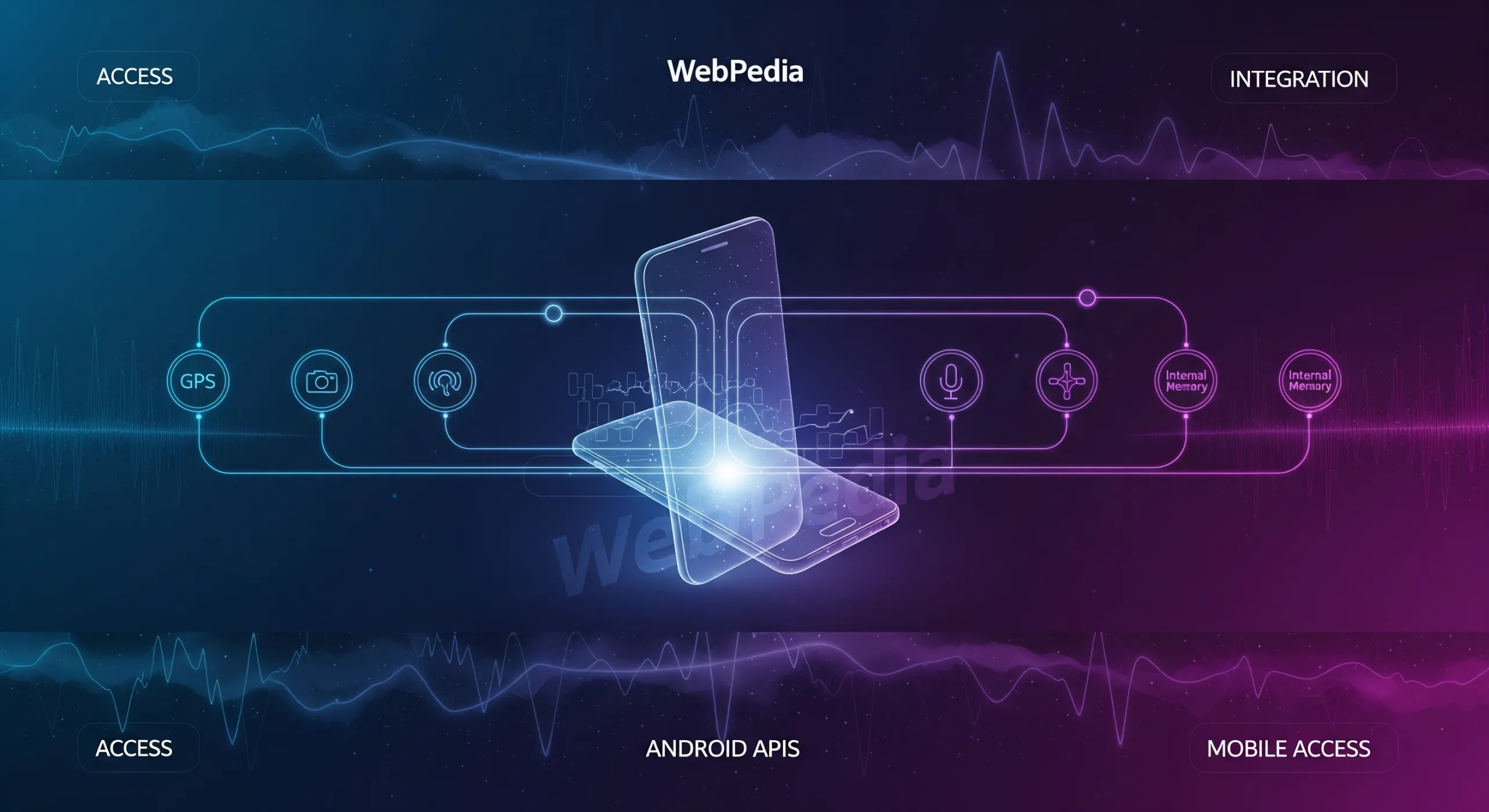
Full access to phone features
GPS, camera, storage, microphone, background services and more.
Offline-ready operation
Works even without internet — e.g., in a warehouse or in the field.
Hybrid Apps (WebView)
Hybrid apps combine web and mobile: the UI is built with web technologies and runs inside a native container (WebView), which allows app-store distribution. It's a fast path to an MVP and a solid cost/time trade‑off — great for catalogs, forms, simple B2B/B2C panels or event apps.
There are trade‑offs: advanced animations, complex gestures and heavy native API usage can work better in fully native apps. Device features are typically accessed via plugins (e.g., Capacitor/Cordova) — which is more than enough for many projects.
- Choose hybrid if: you want to ship an existing web product to stores, build an MVP or have limited time/budget.
- Consider native if: you need top performance, advanced offline, background work and deep hardware integration.
One codebase
Build with web tech and publish to app stores.
Faster, more affordable delivery
Great for MVPs and straightforward business apps.
Device feature access
Selected APIs via plugins (Capacitor/Cordova). You can migrate to native later if needed.
See the Problems We Solve
Examples of custom apps we build for small and medium businesses to streamline day‑to‑day operations.
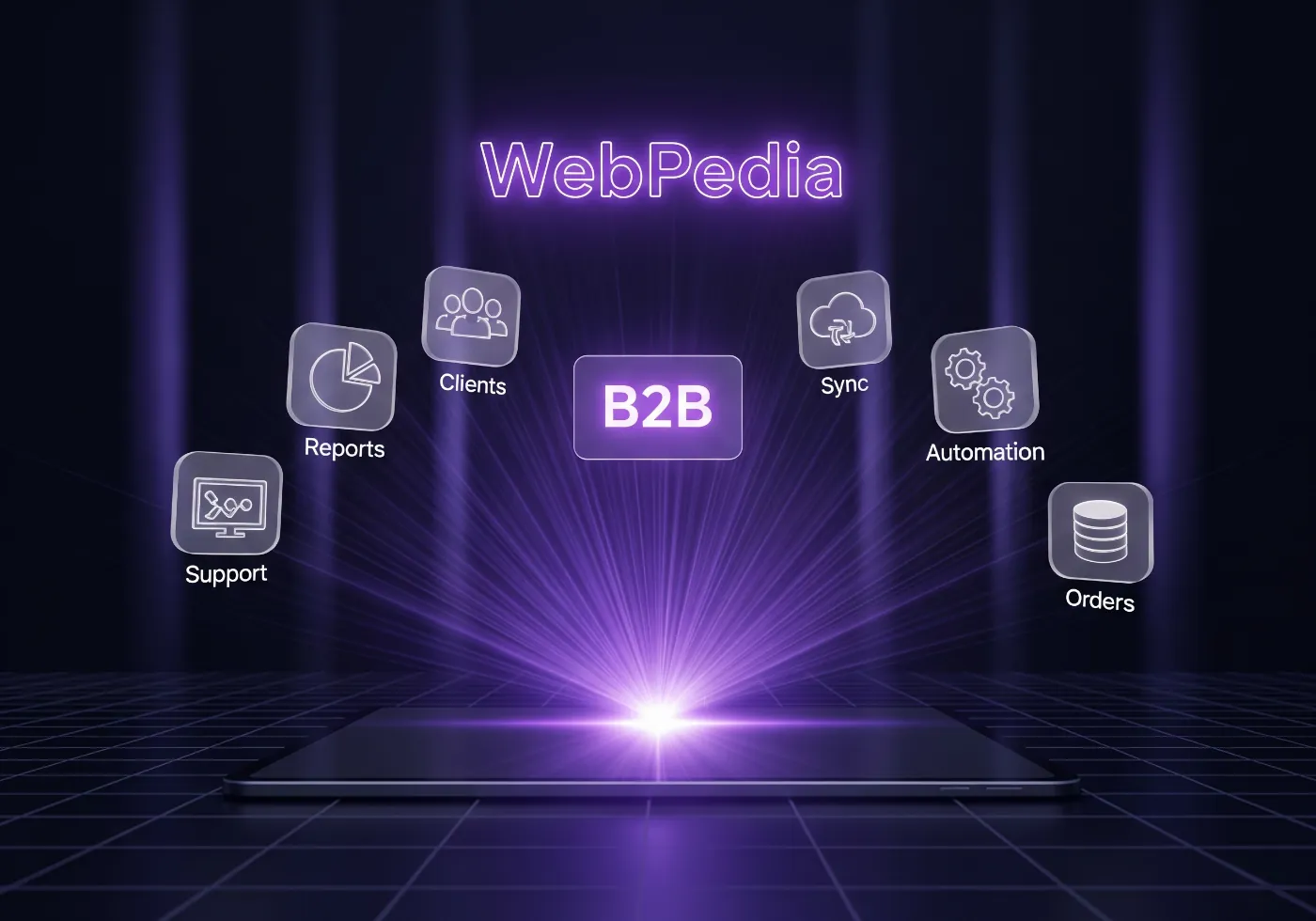
Partner Ordering Panel
Problem: Your partners and distributors place orders via email and phone, which causes mistakes, delays and communication chaos.
- We'll build a dedicated panel where partners log in and place orders 24/7.
- Each partner sees their individual pricing and order history.
- Orders can flow automatically into your system or Google Sheets — no manual rewriting.
Employee Management System
Problem: Managing vacations, training, trips and employee documents in Excel becomes painful as your team grows.
- We'll build a simple web app where employees request leave and managers approve with one click.
- The app can also serve as a secure archive for contracts and documents — accessible anywhere.
- We can use reliable low‑cost NoCode/Low‑Code (e.g., Airtable, Retool) or build from scratch for full flexibility.
Internal Company Knowledge Base
Problem: Critical know‑how gets lost in emails or lives in a few people's heads, making onboarding difficult.
- We'll create a central “company wiki” with searchable content, procedures and instructions.
- You'll organize your know‑how, speed up onboarding and keep the team aligned.
- It can be a simple solution on a proven system or a fully custom app with advanced permissions.
App Development — FAQ
-
How much does an app cost?
It depends on scope and complexity. A simple app can start at a few thousand €, while more advanced solutions cost more.
-
How long does it take to build an app?
Typically 2–8 weeks, depending on features and the availability of materials.
-
Can I influence the app's design?
Yes. We align on UI, colors, layout and functionality together.
-
Can you integrate with Google Sheets?
Yes — it's a very popular integration for storing data and automating tasks.
-
What are the ongoing costs after launch?
Post‑launch costs depend on the technology, but they're generally transparent and under your control. Unlike off‑the‑shelf platforms, there are no hidden license fees or forced security updates.
Fixed costs: hosting + domain (often you're paying this anyway).
Variable (usually small): performance/error monitoring and periodic updates when new OS versions or security issues appear — keeping the app stable and secure without surprise expenses. -
Can I add new features later?
Yes. We build with growth in mind, so you can extend the app anytime. We provide ongoing support and development after launch.
Have an Idea? Let's Turn It Into an App
Tell us about your company and challenges — we'll prepare a free estimate.
Free Consultation